Write your novel in one calm place.
Everything your story needs, and nothing in your way.
£19.99 one-time. No subscription. Available now for macOS and Windows.
Licence keys sold here are for the Mac version only. On Windows, buy Skrift from the Microsoft Store.
Mac with an Intel chip?
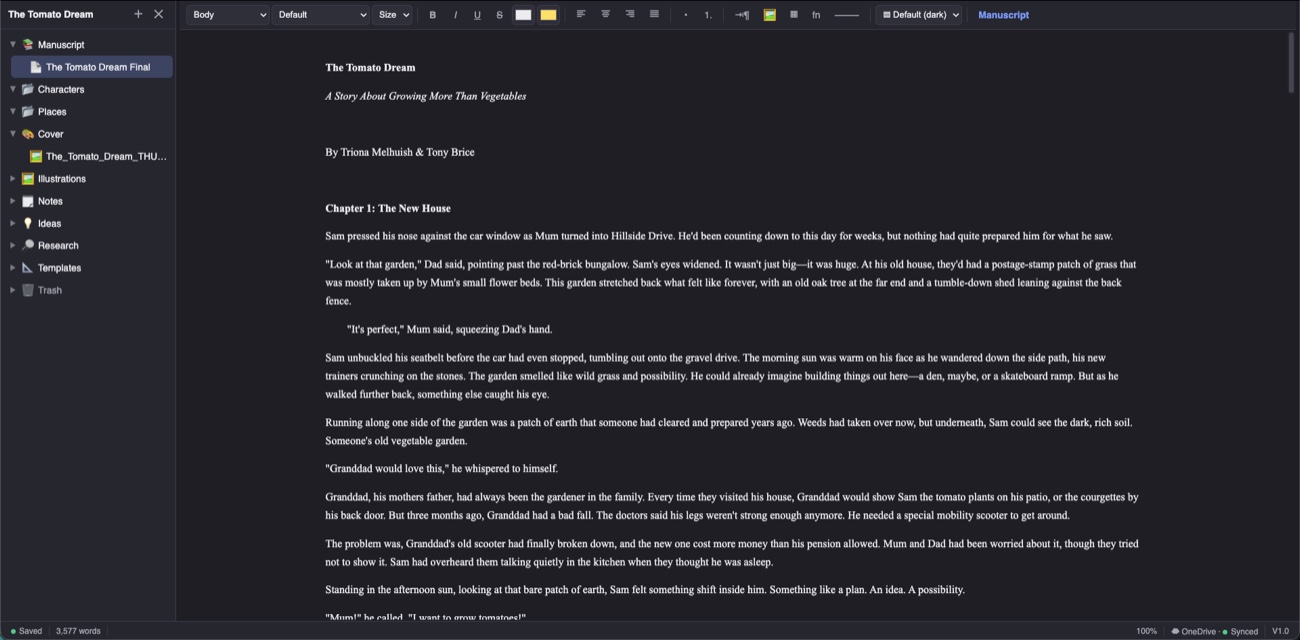
A guided tour of Skrift.
Watch how your whole book comes together — from the binder to focus mode, AI, and export.
A studio built around the way you write.
From the first messy note to the finished manuscript — every part of your book, always a click away.
Your whole book, beautifully organised.
Your entire story lives in one tidy, drag-and-drop outline: chapters, characters, places and research, all in a single binder.
- Chapters, character sheets and place notes side by side
- Reorder by dragging — the outline is your book
- Outline & corkboard views for the bigger picture
A beautiful place to put words.
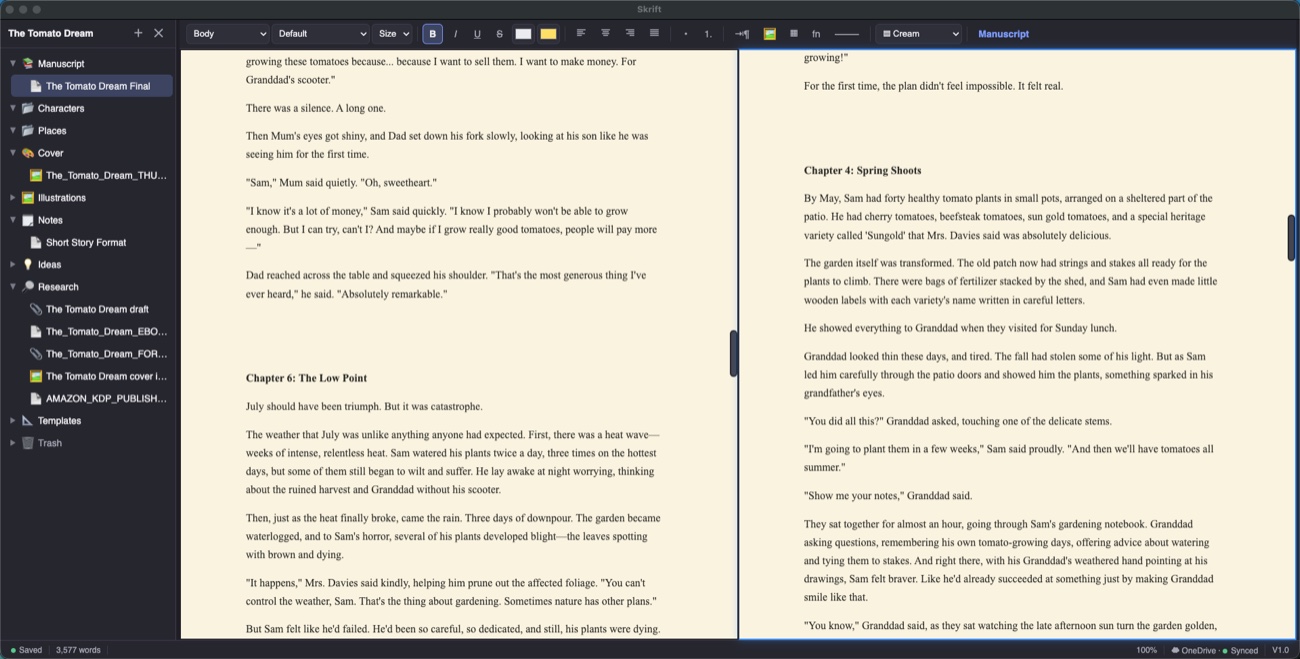
A focused editor with rich formatting, adjustable page colours, and smart typography that curls your quotes and turns -- into an em dash as you type.
- Warm page styles — Parchment, Cream and more
- Smart quotes, dashes and typography, automatically
- Focus mode with typewriter scrolling — just you and the page
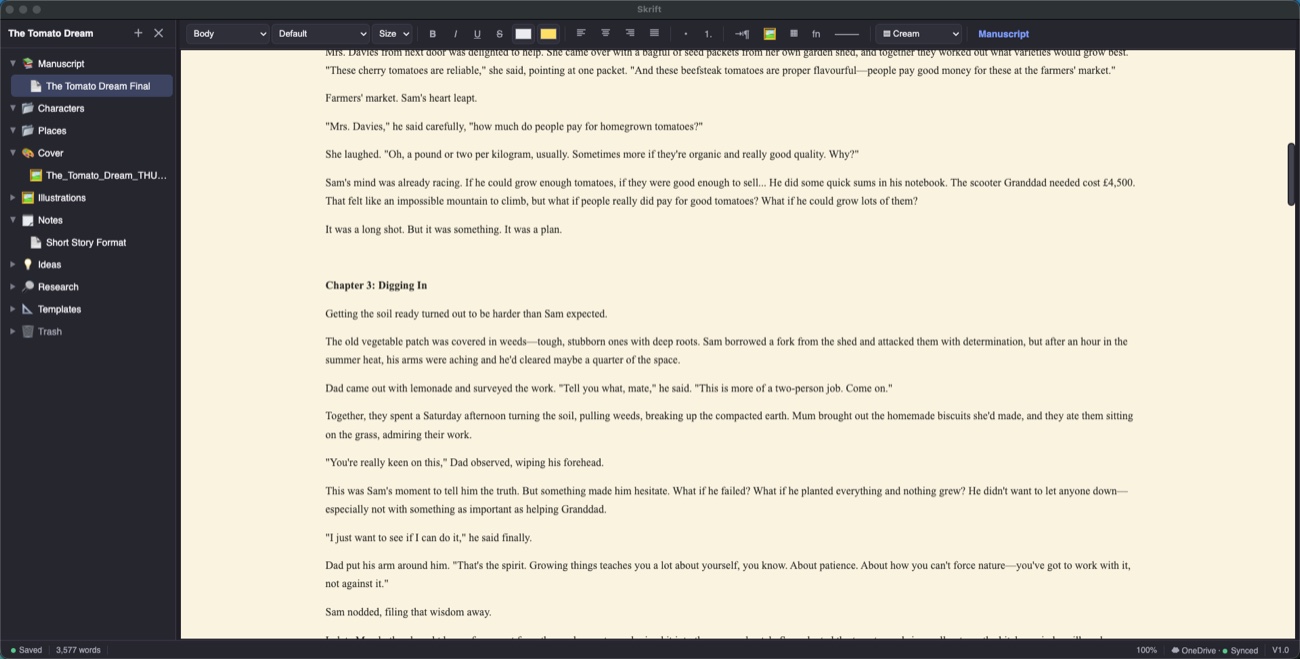
Work in two places at once.
Split the editor to keep your outline beside your draft, or your last chapter beside the next. Everything stays in sync.
- Split view for two documents at a glance
- Snapshots capture a version before every big rewrite
- Compare and roll back any time — your safety net is built in
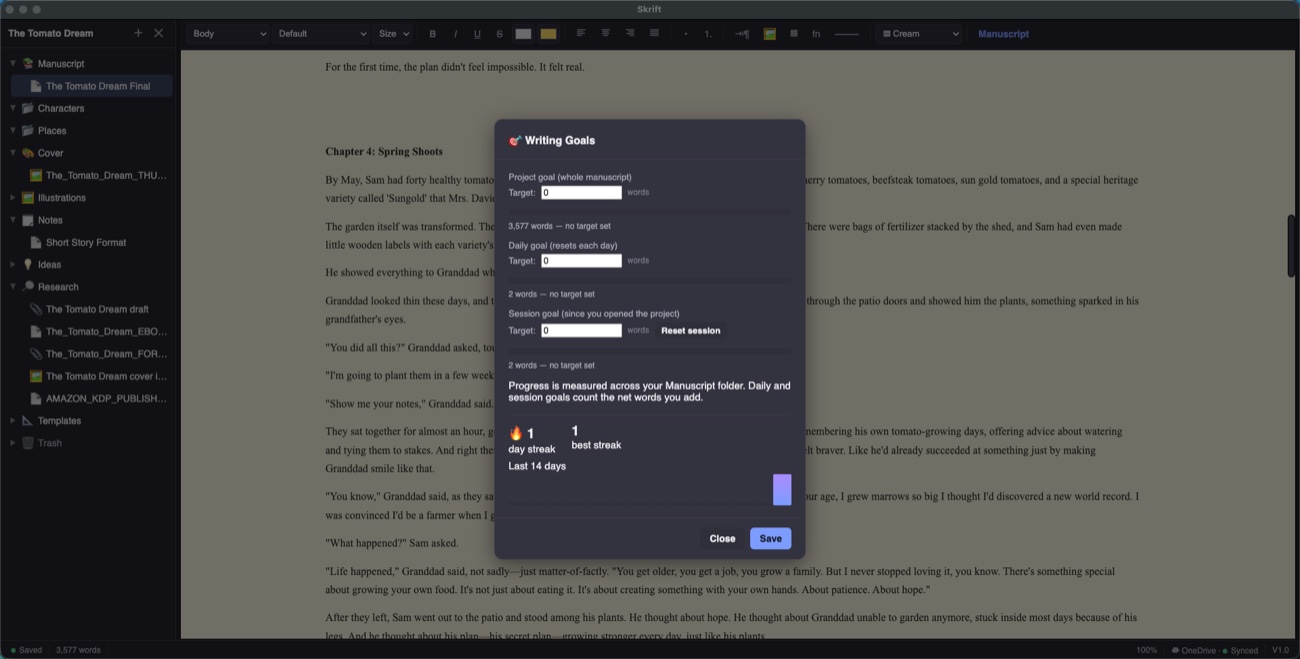
Hit your word count, then ship it.
Set daily, session and whole-book goals, keep your streak alive, and compile a submission-ready manuscript when you're done.
- Project, daily and session word goals with live progress
- Writing streaks to keep the habit going
- Compile to Word, PDF or EPUB in a click
The tools for revising, too.
Drafting is only half the job. Skrift helps you find your way around the book and make every line better.
Tags & collections
Tag every scene by character, point of view and setting, then filter the binder to “every chapter Ben narrates that isn’t finished yet”. Save the search as a collection and come back to it any time.
Read aloud
Hear your chapter read back, sentence by sentence, with each line highlighted as it goes. Your ear catches the missing word your eye skips. Uses your computer’s own voices, so it works offline.
Style analysis
A private prose checker that highlights adverbs, passive voice, filter words, clichés and nearby repeats, with a readability report. It runs entirely on your computer.
Spelling, dictionary & thesaurus
British or American spelling checked as you type, light grammar checks, and a right-click dictionary and thesaurus that swaps the better word straight in.
Bring your work with you
Import a whole Scrivener project, with its folder structure, formatting and embedded images, or pull in Word, Markdown and text documents.
Snapshots, bookmarks & backups
Snapshot a chapter before a big rewrite and compare or restore it later. Bookmark the places you need to return to. Automatic backups run quietly in the background.
AI that writes with you — never instead of you.
When you want a hand, Skrift's optional AI drafts and rewrites right inside your manuscript, guided by your own characters and outline. Every change appears in the document with Accept and Revert — nothing happens without your say-so.
Made to be owned, not rented.
One-time purchase
Buy it once and it's yours. No subscription, no monthly fee, no holding your manuscript hostage.
Private by default
Your writing lives on your own computer. It syncs across your devices through a cloud folder you control — never our servers.
Everything included
Focus mode, snapshots, tags and collections, read aloud, style analysis, writing goals, export to Word, PDF and EPUB. No add-ons, no upsells.
Ready when you are.
Download Skrift for macOS or get it from the Microsoft Store for Windows, and start writing today.
£19.99 — a single one-time purchase. No subscription.
The licence key sold here is for the Mac version only. On Windows, buy Skrift from the Microsoft Store.
Questions, answered.
Which platforms does Skrift run on?+
Is it a subscription?+
Do I have to use the AI features?+
Where is my writing stored?+
Can I try it before I buy?+
I already use Scrivener. Can I bring my book across?+
Can I get my work back out?+
Found a bug? Got an idea?
Skrift is shaped by the writers who use it. Tell us what's working, what isn't, and what you'd love to see next.